
A workflow built around your team
From the camera
to a complete image set.
Keep the photos you already take. Give the editing, branding and review a clearer path forward.
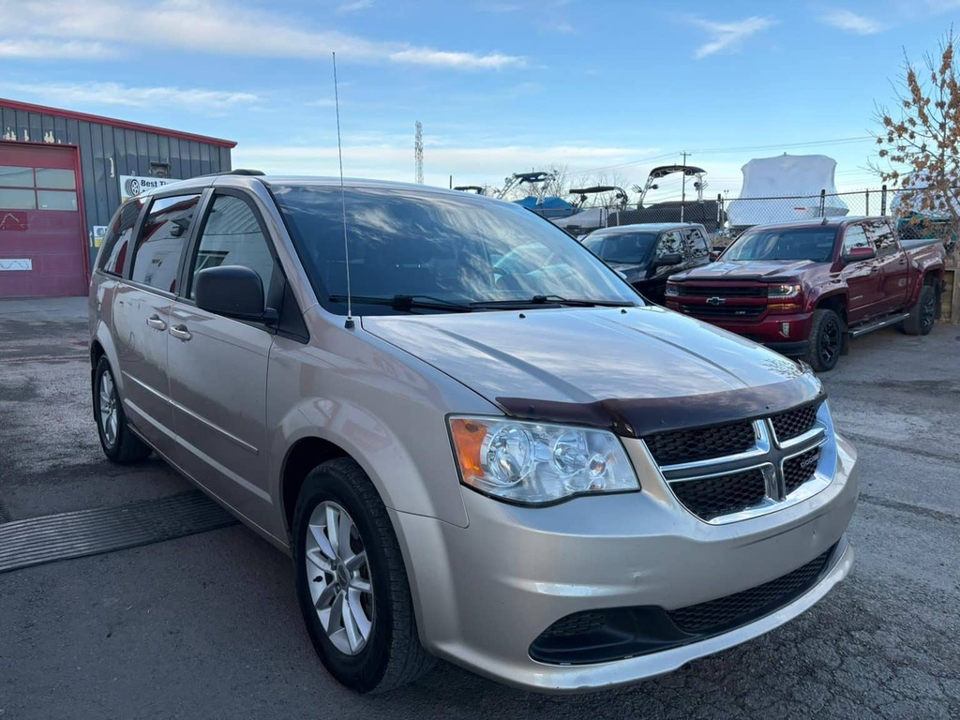 START WITH YOUR EXISTING PHOTOS
 01 / YOUR TEAM
Upload your photos.
Use existing photos or guided capture.
- Listing-ready imagery
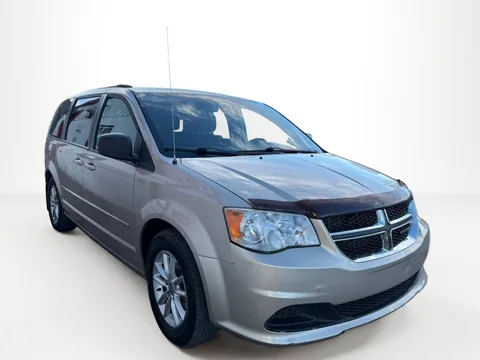 02 / AUTOSHINE
Get a consistent finish.
Prepare the backgrounds, image set and branding.
- Your image set
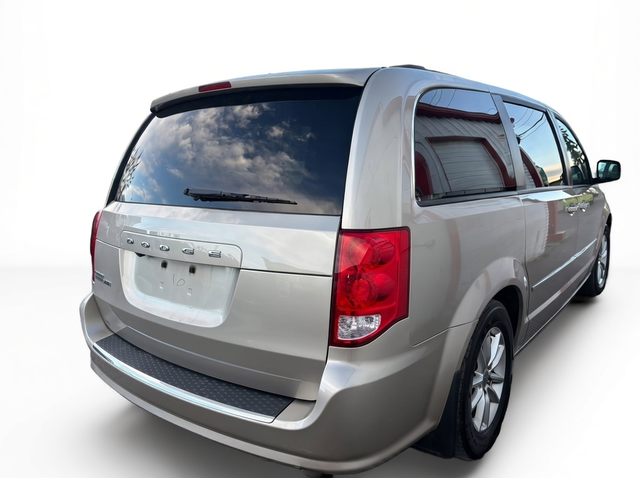
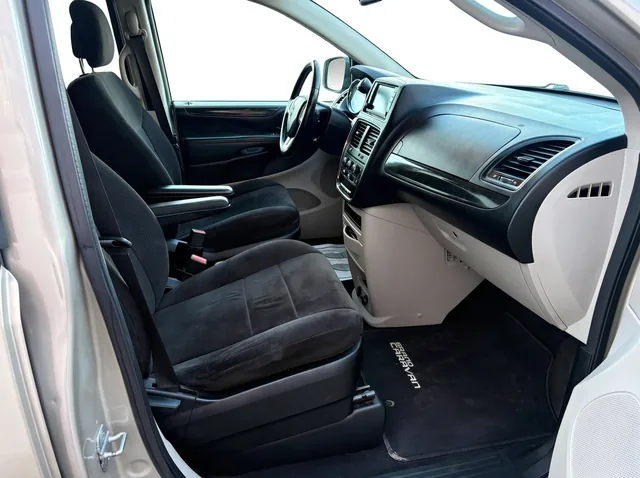 Export image set03 / YOUR TEAM
Review. Export.
Check the details. Download the approved images.
Then, your team publishes. Add the images to your existing listing tools.
Illustrative workflow using real vehicle photos.
Know where the handoff happens
Listing-ready.
With you in control.
Prepare → review → export
Consistent image treatment, dealership branding and a reviewable set of files.
Upload → publish
Your team adds approved images to your website or listing tools. Autoshine does not automatically publish to your DMS.
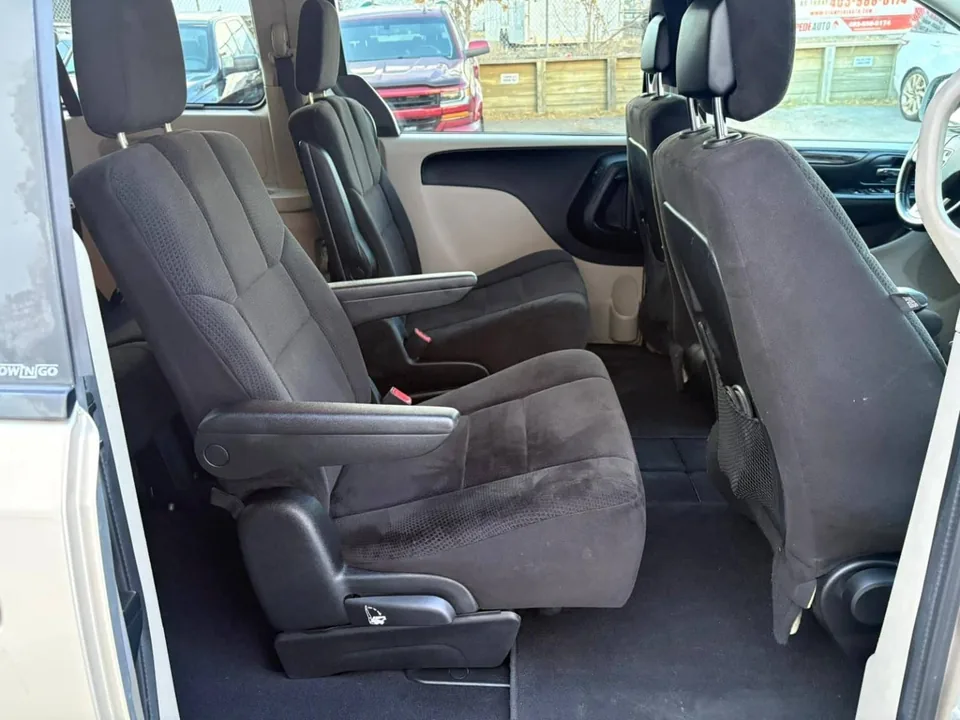
Original interior photograph. Include the cabin in your photo set.
The full picture
Outside, inside,
ready for review.
Bring exterior and interior photography into a coordinated presentation. Check vehicle details, choose the images you want to use, then export.
Explore the resultsYour next listing starts here
Less waiting.
More ready.
Start with one vehicle. See what your own photos could look like, before deciding what comes next.
See it on your cars One free vehicle sample. No subscription required.